Published: May 5, 2026
Updated: May 6, 2026
Can You Download Twitter Videos? Yes, and Here Is Exactly How
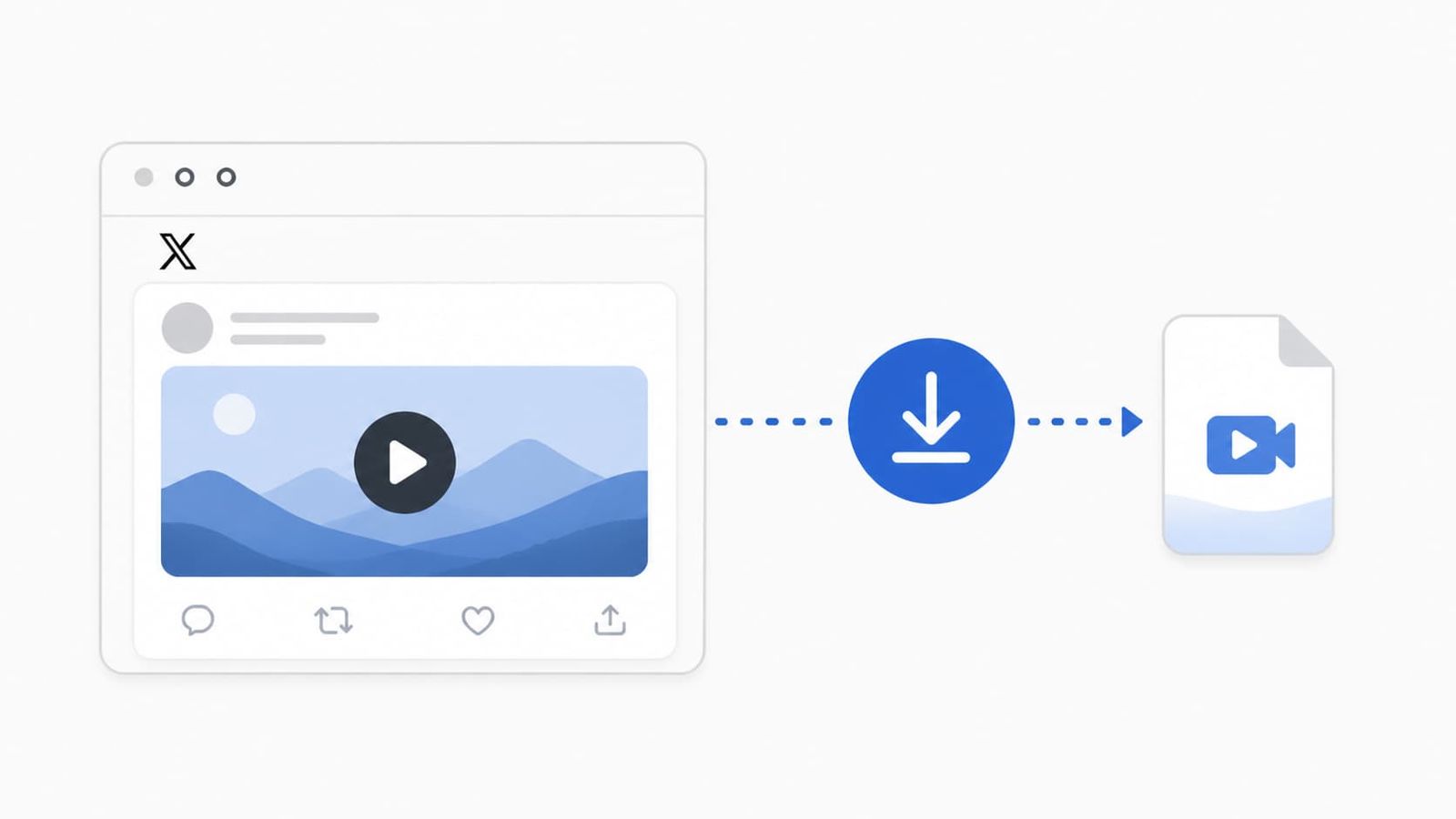
Yes, you can download Twitter (now X) videos, but not through any official button X provides. You need a free browser-based tool like Fetchlix to do it. Paste the post URL, choose your quality, and the video downloads directly to your device in seconds. No account, no app, no cost.
Twitter has been rebranded to X, but one thing has not changed at all: there is still no built-in way to download a video from a post. You can Like it, Repost it, share the link, and bookmark it for later. But if you want the actual video file sitting on your device, X gives you nothing. That is not an accident. Keeping you inside the platform is the whole point.
The good news is that downloading Twitter videos is genuinely easy once you know the right tool. This guide answers the question properly and walks you through the full process, whether you are on a phone or a computer.
Why X Does Not Give You a Download Button
X generates revenue by keeping users on the platform as long as possible. Downloaded videos get watched offline, shared on WhatsApp, saved to camera rolls, and circulated outside the app entirely. None of that serves X's advertising model.
So the absence of a download button is a deliberate product decision, not a technical limitation. The video files are hosted on X's own content delivery network and are technically accessible. You just need a tool that knows how to retrieve them.
What You Actually Need to Download a Twitter Video
You need three things: the URL of the post containing the video, a browser, and a reliable downloader tool. That is it. No software installation, no account creation, and no payment required.
The post must be from a public account. If the account is private or protected, no third-party tool can access the video because the file itself is restricted at X's server level.
The Best Way to Download Twitter Videos in 2026
The most reliable approach is using Fetchlix, a free X video downloader built specifically for this. It has no ads, collects no personal data, and requires no login. You paste a link, pick your format, and the video downloads directly from X's servers to your device. Most downloads complete in under 15 seconds.
Fetchlix supports HD video up to 1080p, SD at lower resolutions, and MP3 audio extraction if you only want the audio from a video post. It works on iPhone, Android, Windows, and Mac, all through a browser with no software to install.
Step-by-Step: How to Download a Twitter Video
Step 1: Find the Post and Copy the URL
On the X app or X.com, open the post with the video you want. Tap or click the Share icon and select Copy Link. The post URL is now on your clipboard.
Step 2: Go to Fetchlix
Open a new browser tab and go to fetchlix.com. Paste the copied URL into the input field on the page.
Step 3: Choose Your Format
Tap or click Download. Fetchlix connects to X's servers and retrieves every available format for that video. You will see options like HD, SD, and MP3. Select the one you want.
Step 4: Download the File
The file will download directly to your device. On Android and desktop it goes straight to your Downloads folder. On iPhone, you may need to tap and hold the video and select Save to Files, then move it to your Camera Roll from the Files app. The full iPhone process is covered in detail in this guide on how to download X videos on iPhone without an app.
Does It Work on Android Too?
Yes, and Android is actually the smoothest experience because Chrome handles the download automatically without any extra steps. The complete process for Android is covered in this guide on how to download Twitter videos on Android.
Can You Download Any Twitter Video?
Almost, but not quite. Here is where the limitations are:
Public videos work without exception. Any video on a public account is accessible and downloadable through Fetchlix.
Private account videos do not work. X restricts access at the server level for protected accounts, so no tool can retrieve those files regardless of how it works.
Live streams cannot be downloaded mid-broadcast. Once the stream has ended and X has processed it into a regular video post, it becomes downloadable like any other.
Quality is capped at what X hosts. If a video was uploaded at 720p, you will not get a 1080p download. Fetchlix retrieves the highest resolution X actually has available for that post.
Is Downloading Twitter Videos Legal?
This is the question people ask most, and the answer has two parts.
Downloading a video for personal offline viewing sits in a grey area legally, but it is widely practiced and rarely actioned against. The more important concern is what you do with the video afterward. Re-uploading someone else's video content to your own channels, using it commercially, or distributing it without credit are the actions that create real legal and ethical problems.
X's terms of service technically prohibit scraping content, but individual users downloading videos for personal use is not something that has been enforced against at the user level. Use common sense, credit creators when you reshare their work, and you will be fine.
What to Avoid When Downloading Twitter Videos
There are dozens of Twitter video downloaders online, and plenty of them are genuinely bad. Watch out for sites that ask you to complete surveys before downloading, display aggressive pop-up ads or fake virus warnings, prompt you to install browser extensions or APK files, or ask for your X login credentials for any reason whatsoever.
A legitimate downloader like Fetchlix needs nothing except the post URL. If a tool asks for more than that, close the tab.
Wrapping Up
Yes, you can absolutely download Twitter videos, and it takes less than a minute with the right tool. X is not going to add a download button anytime soon, but Fetchlix fills that gap cleanly. Free, fast, private, and it works on every device you already own.